Generating QR-codes: The Checklist


15 July, 2021 • 2 minutes read

Generating QR-codes: The Checklist

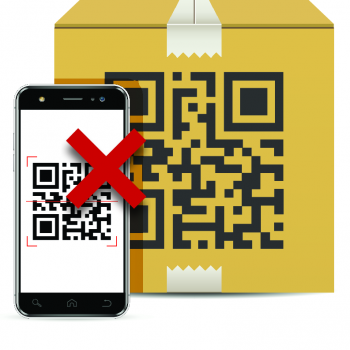
If scanning doesn't work the QR code quality may be too low, the contrast too small, or other reasons might cause QR codes to fail.

You need to consider many things when creating a good QR-code. To help you get on the right track, we have created a checklist! These are the 6 most important things to check when creating a QR-code.

In short

  • There are some steps that are essential to consider when creating a good QR-code.
  • These steps include testing your QR-code before downloading it and considering the size and customization.
  • Furthermore, it is important to consider which type of QR-code to use, whether it should be static or dynamic, and how you will print the QR-code.
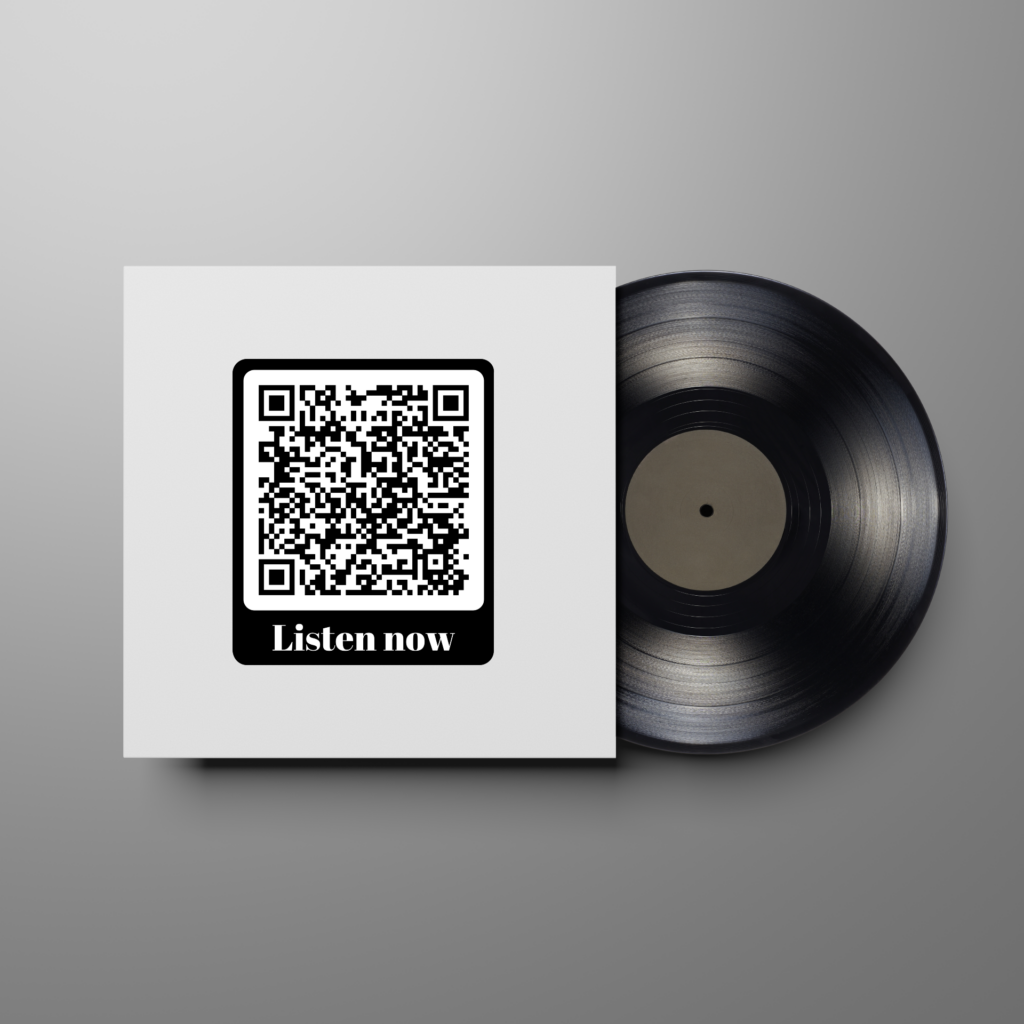
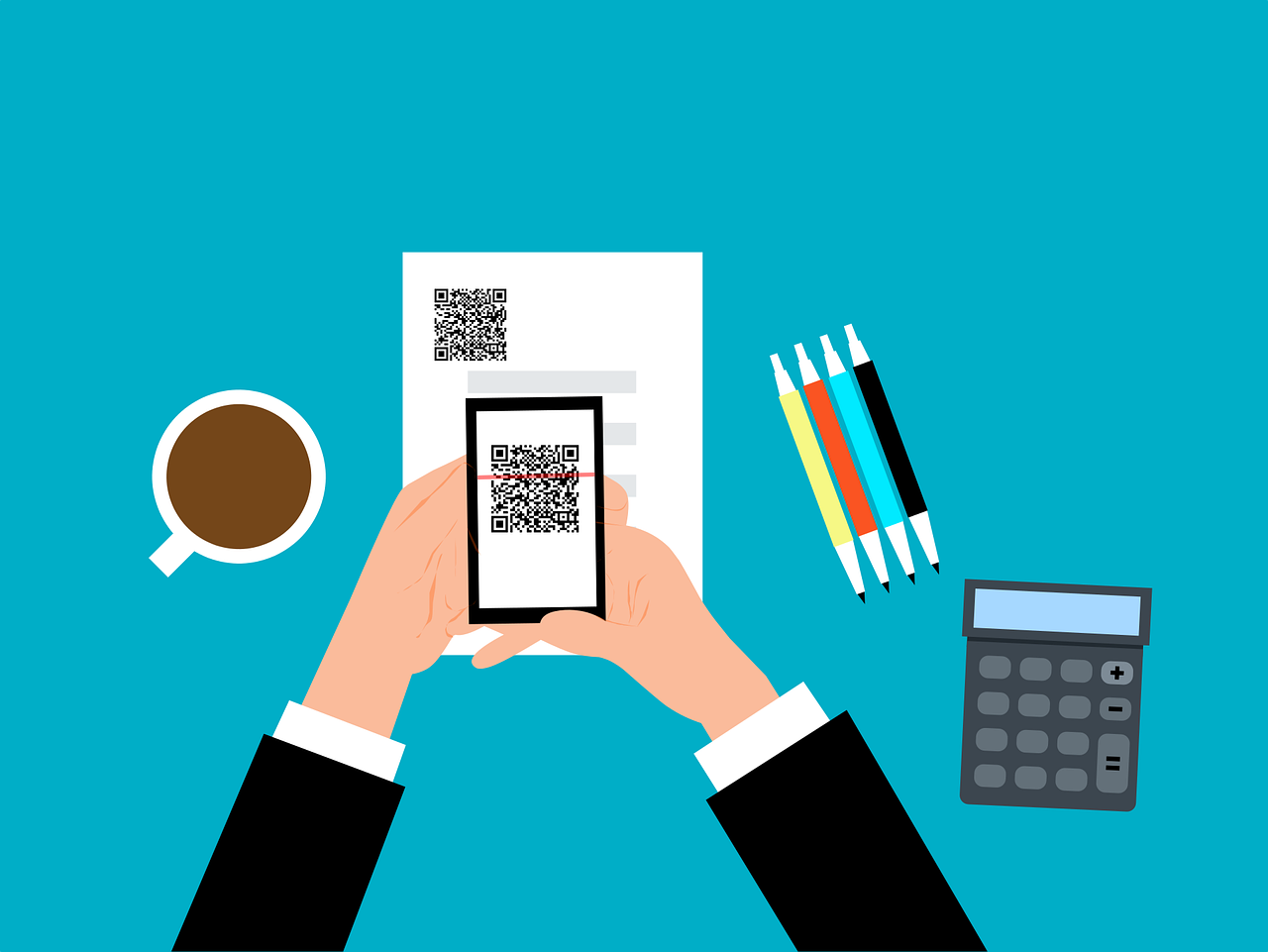
Before saving a QR-code it is wise to test it. You can do this by scanning the sample QR-code on screen when creating a QR-code. Does everything work like it should? Then save! Is something not working? A spelling mistake, a lack of contrast or one of these reasons might have caused it. If you're actually going to use the QR-code it is wise to check it again, just to be sure nothing went wrong. So many QR-codes are used, that a standard one without customization is barely getting attention. QR-codes that give you a reason to scan, or tell where they are directed towards are scanned more often. Even just the text 'scan me' is worth adding. Customized QR-codes work better, because they are more unique. Check your customization! Measurement matters for QR-codes. A QR-code should be able to be scanned and should draw attention. There is no perfect size, as every QR-code is different. The truth is: go with your gut, and test what does and doesn't work. Want to know more? Click here. If the contrast between two colors in the QR-code is too little, it might become impossible to read the QR-code. Customization is good, but do keep in mind that there has to be enough contast. Before downloading, scan the QR-code the check! There are 14 different static and 8 different dynamic QR-code types . Most QR-codes are 'link' QR-codes, but it's still wise to see which type fits your situation best. Some QR-code types speak for itself, and for the others you can find info on our QR-code types page. If you'd like to print your QR-code(s), you'll have to decide whether to use a pixel or vector file format. These are the advantages of each file type: Pixelfiles:
  • Can be edited easily;
  • Are allowed on almost all platforms.
Vectorfiles:
  • Take in minimal storage space;
  • Remain their good quality after scaling;
  • Opening, editing, and saving the file won't lead to quality loss.

Check which file format you want (we recommend PDF), as you don't want to be faced with any surprises when printing QR-codes.  Source: Drukmakers

FAQ