By 2027 the QR code replaces the barcode worldwide. Learn why a GS1 Digital Link matters and how to create one for free, step by step.
The barcode is retiring. By the end of 2027, checkout systems worldwide will read the QR code instead of the familiar stripes on a product, and that changes what a code can do. The technology behind it is called GS1 Digital Link. This guide explains what it is, why it matters, and how to create your own GS1 QR code, step by step.
- A GS1 Digital Link is a QR code that carries your product number (the GTIN) inside the link, readable by both the checkout and your customer's phone.
- From the end of 2027, every checkout system worldwide must read these 2D codes. 48 countries, together about 88% of the global economy, are preparing the switch.
- You need a registered GTIN (the number under your current barcode). Creating the QR code itself is free.
- Most people don't need GS1. You only use it once your product sits on a retail shelf.
What is a GS1 Digital Link?
A GS1 Digital Link is a QR code with your product number built into it: the GTIN. A QR code can hold up to 7,089 digits, while an ordinary barcode is limited to 13 (Camcode, 2024). So it fits far more than just a price at the till.
The clever part is the link itself. A normal QR code points to one web page. A GS1 Digital Link is built from blocks that any scanner in the world understands. The checkout pulls out the product number to ring up the sale. Your customer's phone opens the same code as a regular web page with product info. One code, two audiences.
The GTIN isn't a new number, by the way. The 13 digits under your current barcode are your GTIN. GS1 Digital Link doesn't change that number, it just wraps it in a form a smartphone can read too.
The barcode making way for the QR code isn't a distant prediction. We covered it earlier in goodbye barcode, welcome QR code. GS1 Digital Link is the technology that makes that switch work.
Why use a GS1 QR code?
Because the whole retail world is moving that way. By the end of 2027, every checkout system must read 2D codes, an agreement known as Sunrise 2027 (GS1). 48 countries, together about 88% of the global economy, are already preparing. And 26 major brands, worth 1.5 trillion dollars combined, have officially backed the move (GS1, 2025).
But the real win is with your customer. They want to know what they're buying. 79% of consumers are more likely to buy a product when the code gives them the information they want, and 77% say product information matters in their decision (GS1 US Consumer Pulse, 2024). Think origin, allergens, a recipe or an expiry date. That doesn't fit in a barcode. In a GS1 QR code it does.
There's an upside for you as a seller too. One code works at the till and as a marketing channel. And because the QR can be dynamic, you change where it points afterwards without reprinting the packaging. Australian supermarket Woolworths tested the 2D code and saw up to 40% less food waste, because expiry dates became machine-readable (GS1 UK).
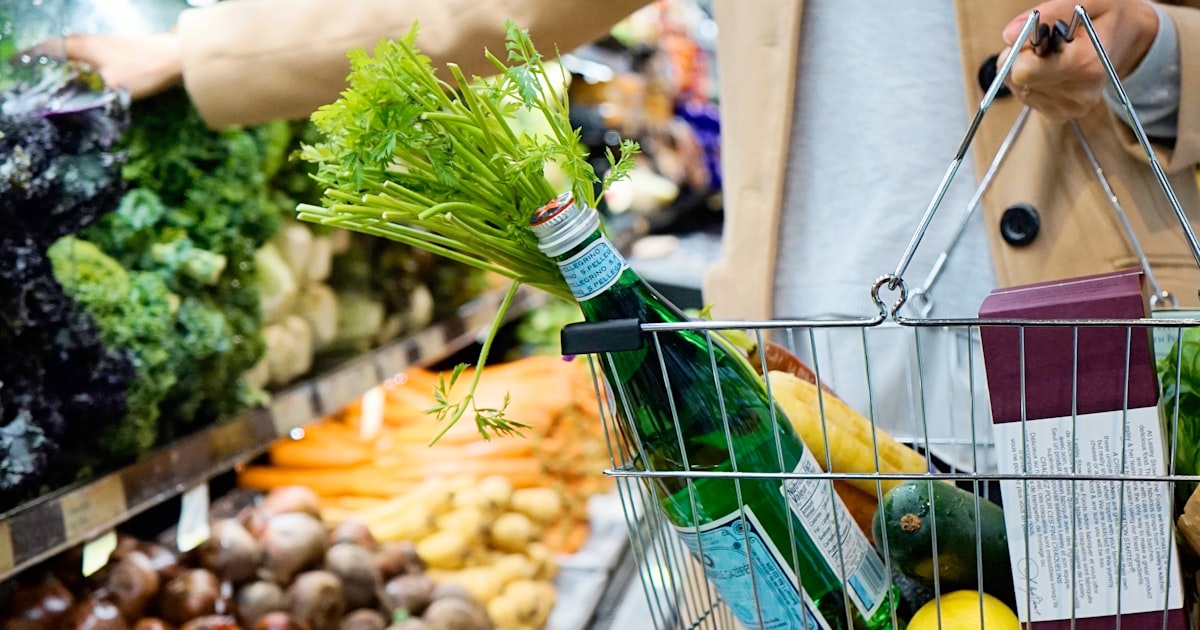
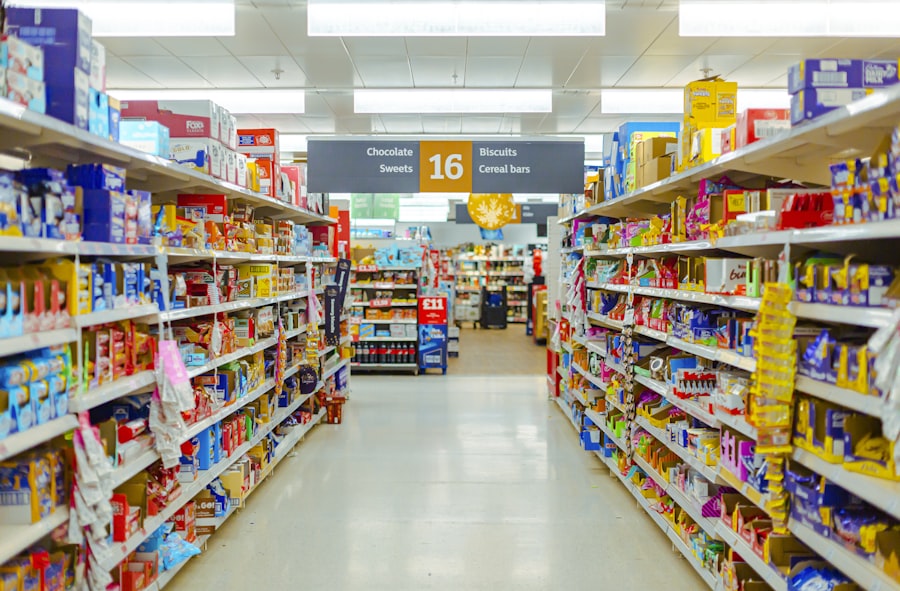 From 2027, the QR code will appear on more and more products on the shelf.
GS1 Digital Link or a regular QR code: which fits you?
Honestly, most people don't need a GS1 Digital Link. Want to share a menu, a wifi code, a link to your website or a payment request? A regular QR code is exactly right. You make it in seconds and it just works.
You only choose GS1 once your product physically sits in a store and needs to be scanned at the checkout. The difference in short: a regular QR code opens one web page, a GS1 Digital Link also carries your product number so the till recognises it. Not sure whether to pick fixed or editable? First read static or dynamic QR codes: what's the difference.
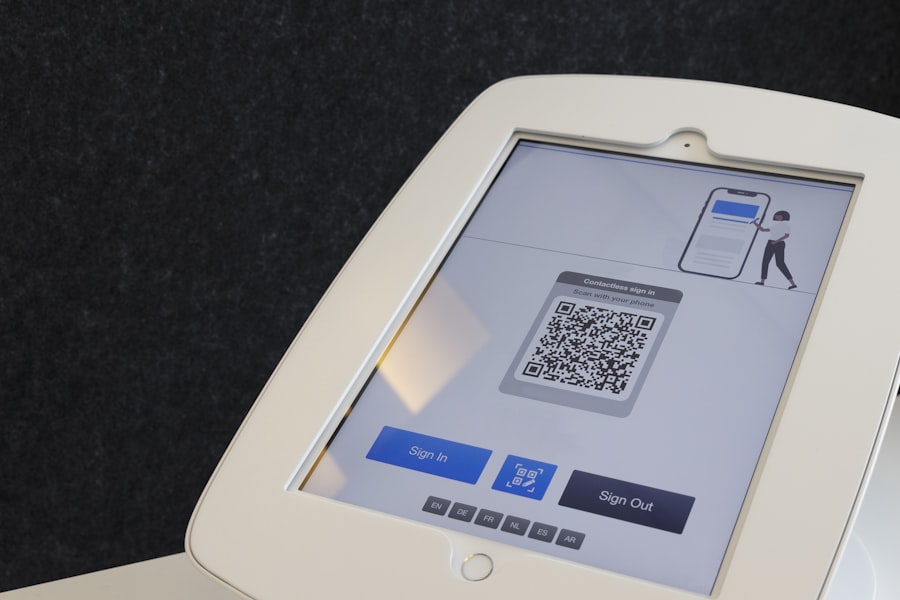 A regular QR code is enough for most goals. Add GS1 for products on the shelf.
How do you create a GS1 QR code?
On QRcode.me you create a GS1 Digital Link for free, as part of a dynamic QR code. No separate software or expensive print licence needed. Here are the steps:
- Create a new dynamic QR code of the URL type.
- Go to step 3, "Choose the link shown when scanning the QR Code", and switch from Standard to GS1 Digital Link (GTIN).
- Enter your GTIN: the number under your barcode, 8, 12, 13 or 14 digits. The generator checks the check digit right away.
- Pick the domain shown when scanning, such as qr.do, qrcode.ly or qrlink.me. Which one is your own preference.
- Check the Digital Link URL preview and save your QR code.
New to QR codes? Start with how to generate a free QR code, step by step. Want the background on how QR codes work? Read the QR code basics. There's also a dedicated page on what a GS1 Digital Link is.
Which GS1 attributes can you add?
Besides your GTIN you can add extra attributes, called Application Identifiers in GS1 terms. Each one has a fixed number code, so every scanner knows what it means. You'll find them in the generator under "Advanced GS1 attributes". All optional.
| Attribute | What for | Example |
|---|---|---|
| Batch / lot (AI 10) | Which production batch, useful for a recall | BATCH-A |
| Expiry date (AI 17) | Best-before date, machine-readable | 31-12-2026 |
| Serial number (AI 21) | Unique per individual item | SN-789 |
| Variant (AI 22) | Such as colour or size | RED-XL |
| Custom attribute | Your own GS1 code with a value | 4-digit code + value |
You don't have to fill in everything. For most products the GTIN alone is enough. Selling fresh products? The expiry date is valuable. Working with numbered items? The serial number comes in handy. You can even show the serial number below the QR code.
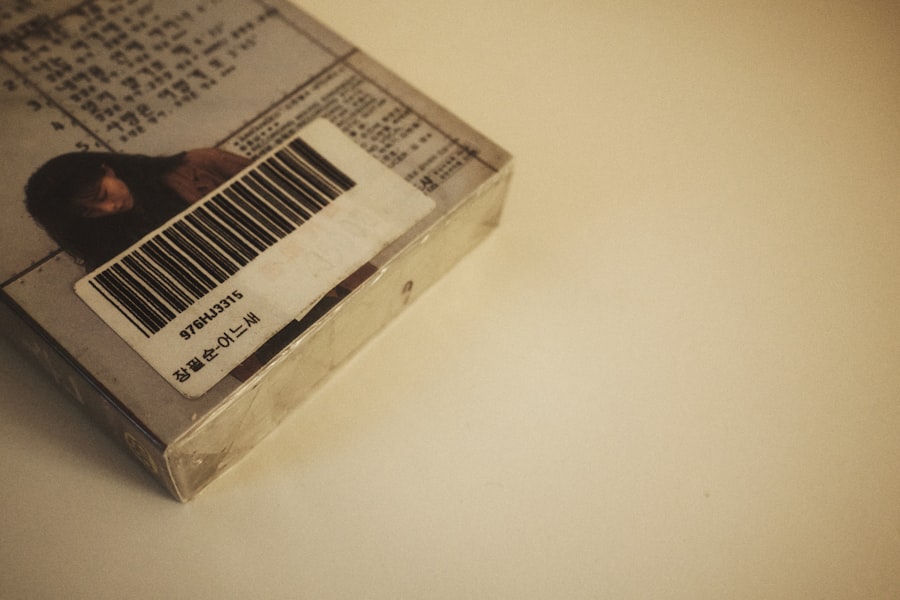 The number under your barcode is your GTIN. That's what you enter when creating a GS1 QR code.
Do you need a GTIN, and what does it cost?
Yes, for a real GS1 Digital Link you need a registered GTIN. GS1 issues these, the organisation that has managed product numbering worldwide for decades. You pay GS1 for a GTIN, once or yearly, depending on how many products you carry. Creating the QR code itself is free with us.
Selling on Amazon or a marketplace? They require a valid GTIN registered to your brand anyway. Cheap second-hand codes are usually rejected. So your own GTIN isn't a needless extra, it's the basis for selling your product anywhere.
Ready to create your own GS1 QR code?
The shift to the QR code on products is well under way, and a GS1 Digital Link puts you ahead. Your customer gets more information, the checkout keeps working, and your packaging is ready for 2027. No hidden costs, no surprises.
Frequently asked questions
Do I need a GS1 code to sell on Amazon or a marketplace?
Yes. Most marketplaces require a valid GTIN registered to your brand with GS1, and check it against the GS1 database. Handmade or private-label products sometimes qualify for an exemption, but as a rule you need your own GTIN.
What's the difference between a GS1 Digital Link and a regular QR code?
A regular QR code opens one web page and can't be rung up at the checkout. A GS1 Digital Link also carries your product number (the GTIN), so both the till and your customer's phone understand it.
Can I create a GS1 QR code for free myself?
Yes. Once you have a GTIN from GS1, you create the GS1 QR code for free on QRcode.me. When creating it, you simply switch to GS1 Digital Link and enter your GTIN.
Will old barcode scanners still work?
The barcode isn't being banned. During the transition both codes sit side by side on the packaging. Shops gradually move to camera scanners that also read 2D codes. By the end of 2027 every checkout system must handle them.
What does the /01/ in the link mean?
That's the GS1 code for the GTIN. It tells the scanner: the product number comes next. Codes like /17/ (expiry date) or /10/ (batch) work the same way, each one labels the next piece of information.