The Audio QR-code
From escape rooms, music teasers to exhibitions, the audio QR-code can be used for a whole lot of purposes. Just upload an MP3 file, let people scan your QR-code and voilà! They can instantly download and listen to it.
In short
- With the Audio QR-code, you can share any MP3 file.
- There are no limits to sharing, but the MP3 file must be a maximum of 5MB.
- Create this QR-code for free using our generator!
Why the audio QR-code?
With the Audio QR-code, you can:
- Share MP3 files with an unlimited number of people.
- Allow people to download & listen to the MP3 file immediately after scanning.
- Edit or replace the MP3 file at any time.
- Track the number of scans.
- Choose between a free or paid version. The paid version costs $8.99 and doesn’t include our logo!
Scan this example! A QR-code that allows you to share an MP3 file.
How to create it:
- Log in or create an account.
- Click on ‘+Create QR-code’.
- In the pop-up window, select ‘Audio (MP3)’.
- Give your QR-code a name.
- Upload the MP3 file you want to include in the QR-code.
- Click the upload button.
- You can choose to customize the QR-code.
- Test the QR-code by scanning the draft version.
- Click ‘finish and save’.
- And you're done!
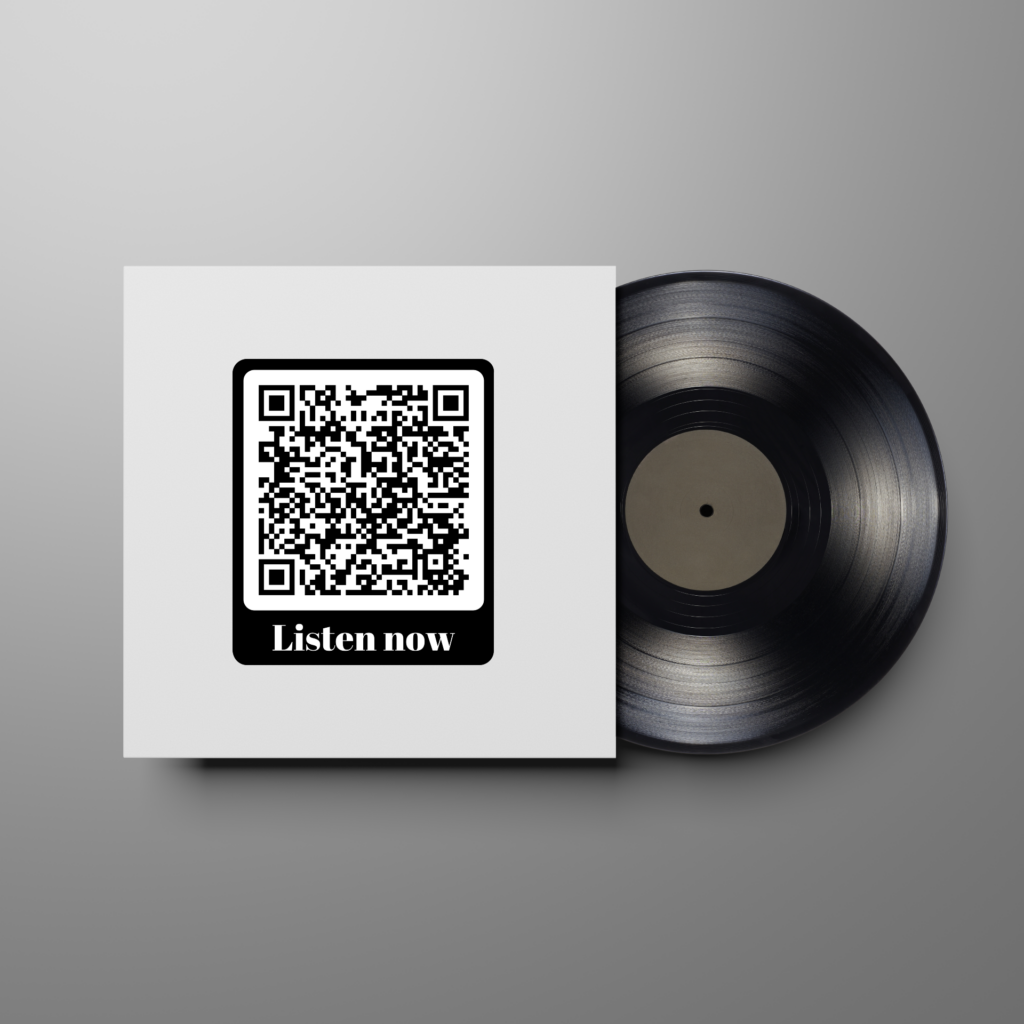
An example of the Audio QR-code application. Here, you can listen to an album sample by scanning the QR-code.
Tips & Tricks
- Customize your QR-code to make it more attractive for people to scan!
- You can upload files up to a maximum of 5MB/5000Kb. If your file is too large, compress it by searching for an online MP3 compressor.
- Do you have an audio file that you want to upload, but it’s not in MP3 format? Convert it online by searching for ‘convert MP3’. This way, you can still use it for your QR-code!
FAQ