The Video QR-code
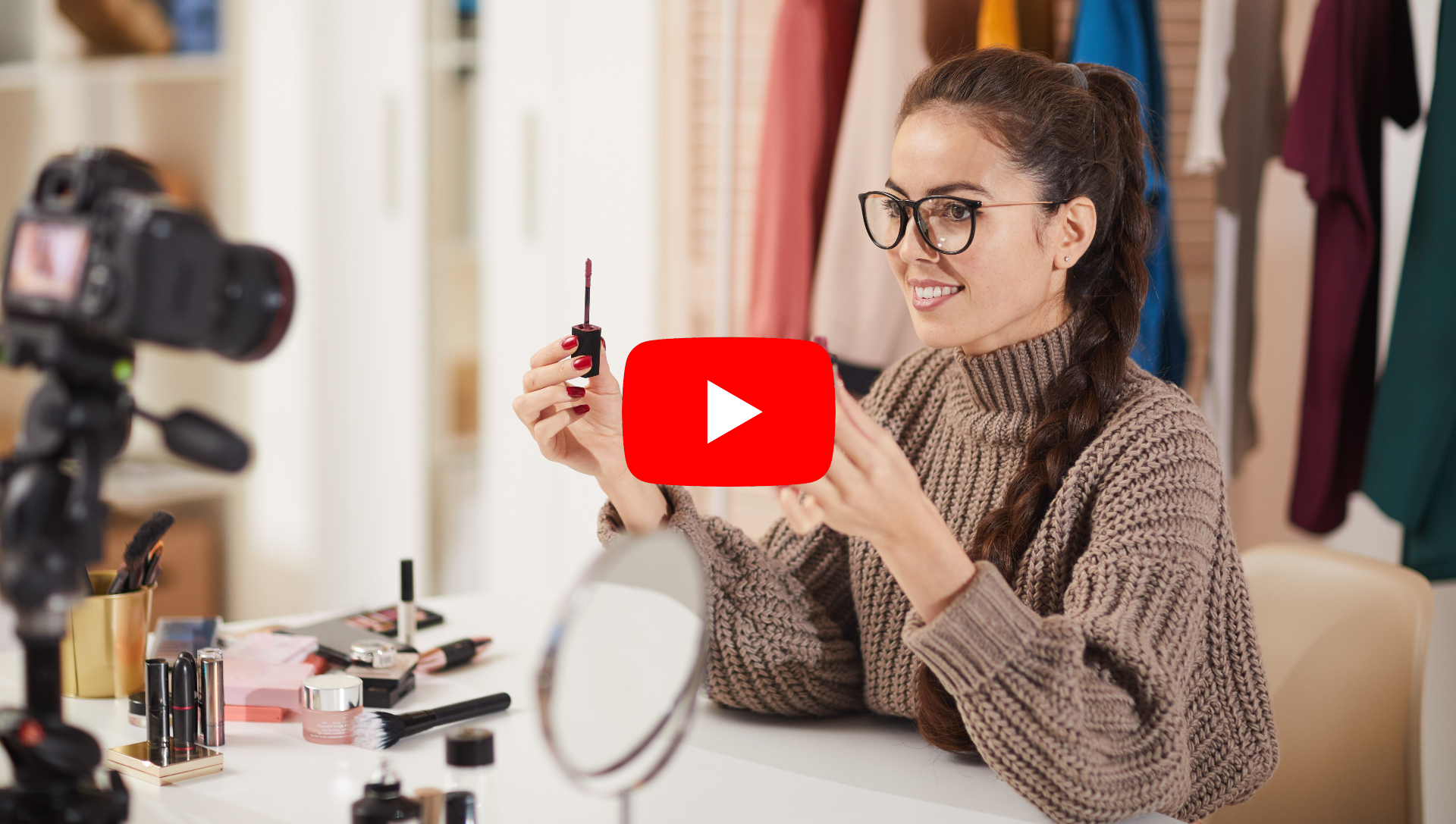
At events with a large crowd, sharing a video via a link might not be the most convenient option. That's where a QR-code comes in handy! With the video QR-code, you can share a YouTube video with as many people as you like, in just a few clicks.
In short
- With the Video QR-code, you can share any YouTube video.
- Simply copy the video link and insert it into the QR-code.
- Create this QR-code for free using our generator!
What can you do with the QR-code?
With the Video QR-code, you can:
- Share YouTube and YouTube Shorts videos with as many people as you want.
- The videos are immediately displayed on the landing page after scanning.
- Adjust which video you want to share at any time afterward.
- Track the number of scans.
- Choose between a free or paid version. The paid version costs $8.99 one-time and comes without our logo!
Scan this example! Here you can see a QR-code that is sharing a Youtube video.
How to create it:
- Log in or create an account.
- Click on ‘+Create QR-code’.
- Select ‘Video’ on the pop-up screen.
- Give your QR-code a name.
- Paste the YouTube video link in the provided box.
- Optionally, you can further customize the QR-code.
- Test the QR-code by scanning the draft version.
- Click ‘finish and save’.
- You're done!
-
Tips & Tricks
- Customize your QR-code; it makes it more appealing to scan!
- You’ll need the YouTube video link. You can find this in the address bar of the YouTube browser version or by clicking ‘share’ just below the video in the YouTube app to copy the link.
- Is the video you want to share not on YouTube? You can upload it to YouTube yourself, even if you don't want it to be public. Just choose the option to make it visible only to those with the link, and then you can place the link in your QR-code!
FAQ