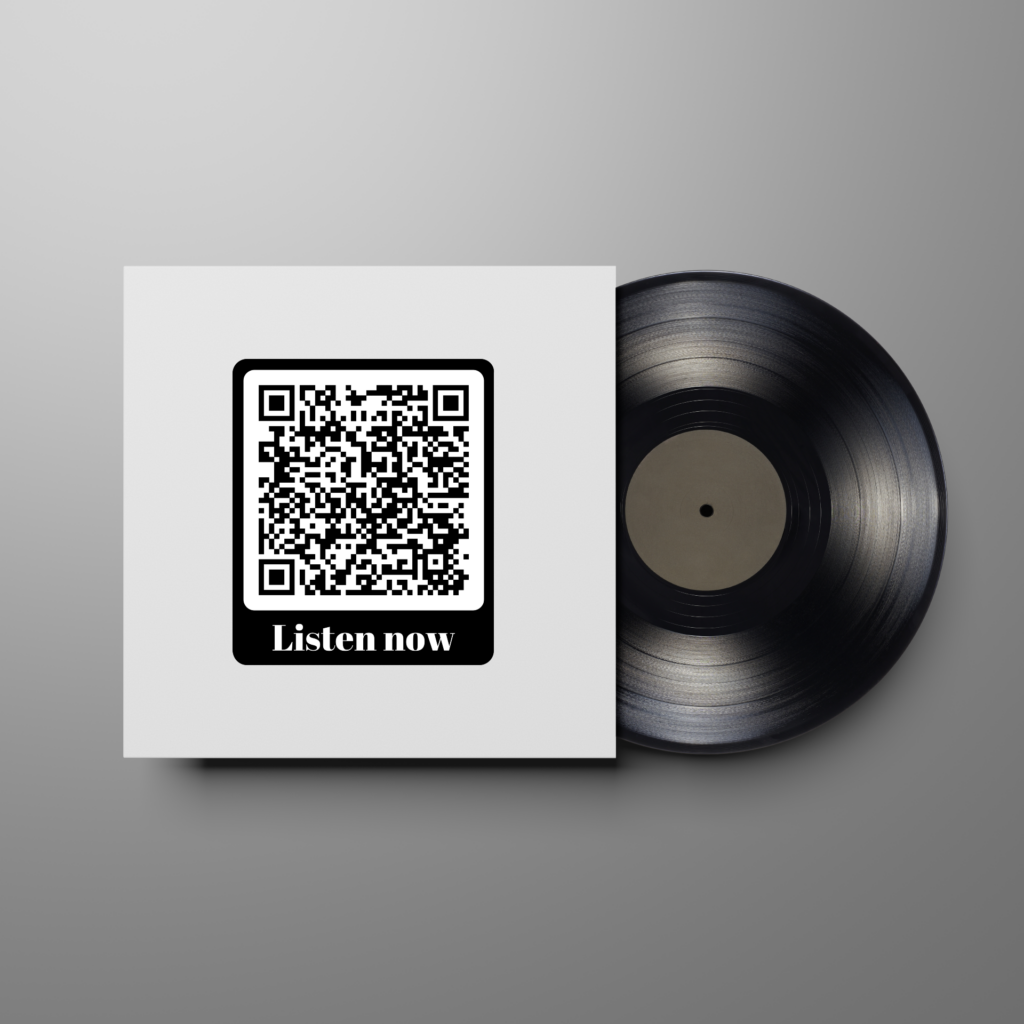
QR-codes are becoming ever more prevalent when payments have to be made. QR-codes provide an easy way for people to pay, and both businesses and consumers use them enthusiastically. QR-codes can be used for payments at the entrance of events, or for house to house charity collections. But, how is this done?
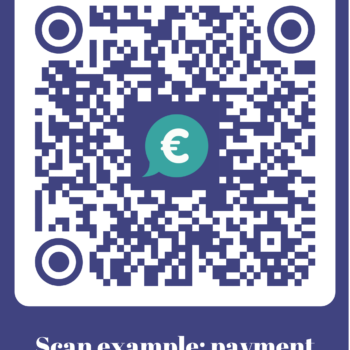
Try out this example of a QR-code with payment request! Use your camera app, not your bank app!
In short
- QR-codes are increasingly used for making payments, with unique links generated for each payment request.
- Payment requests can be created through various websites, apps, or banks, each with different validity periods and limits.
- To ensure QR-codes remain active, it's best to use dynamic QR-codes and update the payment request link when it expires.
Many will be familiar with payment requests such as on Venmo. These sites or apps generate unique payment request links, meaning it takes little effort to pay with them. Generating a payment request is the first step to creating QR-codes with which people can pay.
Tikkie payment request
Where should I generate a payment request?
You can generate a payment request at some banks, but this is only possible when you have an account there. Alternatively, there are apps and websites (like Mollie or PayPal) where it is possible to generate payment requests as well.
It differs for every provider how long your payment request remains valid, how many payments are allowed for every request, and how much money can be requested.
There are also more expensive providers, specifically for businesses. These services often offer a higher maximum for payment requests, links that are valid for a longer period, or other advantages.
Entering the link of the payment request in the QR-code
The last step is to enter the link of the payment request into the QR-code. Some apps or banks generate a QR-code themselves, but these often expire quickly. If you want to use the QR-code for a longer amount of time, it's best to do it yourself via a
dynamic QR-code.
Using dynamic QR-codes, you can put a link of a new payment request into the same QR-code once the old link expires. This way, you can continue using the same QR-code, even though the link is renewed. You can create dynamic QR-codes
here.
In your account you can select 'create a new QR-code'. Then you enter the title at the top, and in the second bar you can enter the link of the payment request. Further down you can customize the QR-code with a personal logo, design, or color. Click on finish and save, and your QR-code is done!
If you have the link of the payment request, you can easily enter it into the QR-code.
Extra possibility: multiple payment requests in one QR-code
If you have multiple payment options, it is useful if they are all included in one QR-code. Consider payment requests for different products, or payment requests for different amounts. It is possible to do this in 1 QR-code!
This works in the same way as with a QR-code with a payment request. However, instead of the 'link' type, you should use the 'social media' type.
This is how it works:
- Choose the social media type
- Under the heading 'links' you can choose the option payment, to create a payment button
- Enter a name for your button to the right of 'button name', like 'donation 30 euros'
- Enter the link of your payment request in the bar that says https
- Repeat steps 1 to 4 for each payment request that you want to put in the QR-code
- The rest works as described earlier in this blog
- If you scan the QR-code, you can now choose from all kinds of different payment requests!
See the example to the right.
Try this QR-code for yourself! You have multiple donation options with this QR-code example.
FAQ