Your marketing text spread in seconds
15 December, 2024
•
1 minutes read
The Text QR-code
QR-codes are most commonly used to direct people to a webpage or online shop. But what if you don't have one and still want to share information through a QR-code? Then the text QR-code is the perfect solution!
In short
- You can display text using a QR-code, allowing you to provide more information to a visitor without needing an entire website.
- The text can be formatted.
- Creating text QR-codes is quick and easy on QRcode.me.
The benefits of the text QR-code
With the text QR-code, you can:
- Share text with an unlimited number of people.
- Format the text using several options.
- Insert links to other websites within the text.
- Edit, replace, or delete the text at any time afterward.
- Track how many times your QR-code has been scanned.
- Use unique customization options.
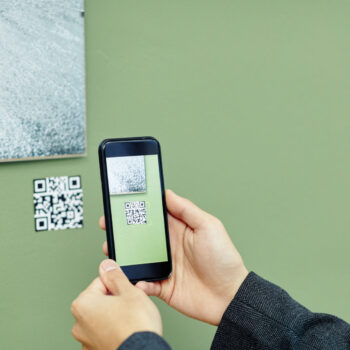
Scan this example! Here you can see a QR-code that allows you to view text.
How to create it:
- Go to the generator.
- Select the "text" option at the top.
- Give your QR-code a clear name.
- Start typing your text in the box.
- Format the text using the options at the top of the box.
- Personalize your QR-code, if desired.
- Test the QR-code by scanning the draft version.
- Click "Save," and voilà!
Tips & Tricks
- The text QR-code is perfect if you don't have a website or want to display information without too much clutter.
- If you have a lot of information or need extensive text formatting, you might want to consider using another type of QR-code.
- Make your QR-code more personalized, encouraging people to scan it faster.
- Use your own domain name as the scan URL to provide an even better experience for scanners! Read more about it here.
FAQ